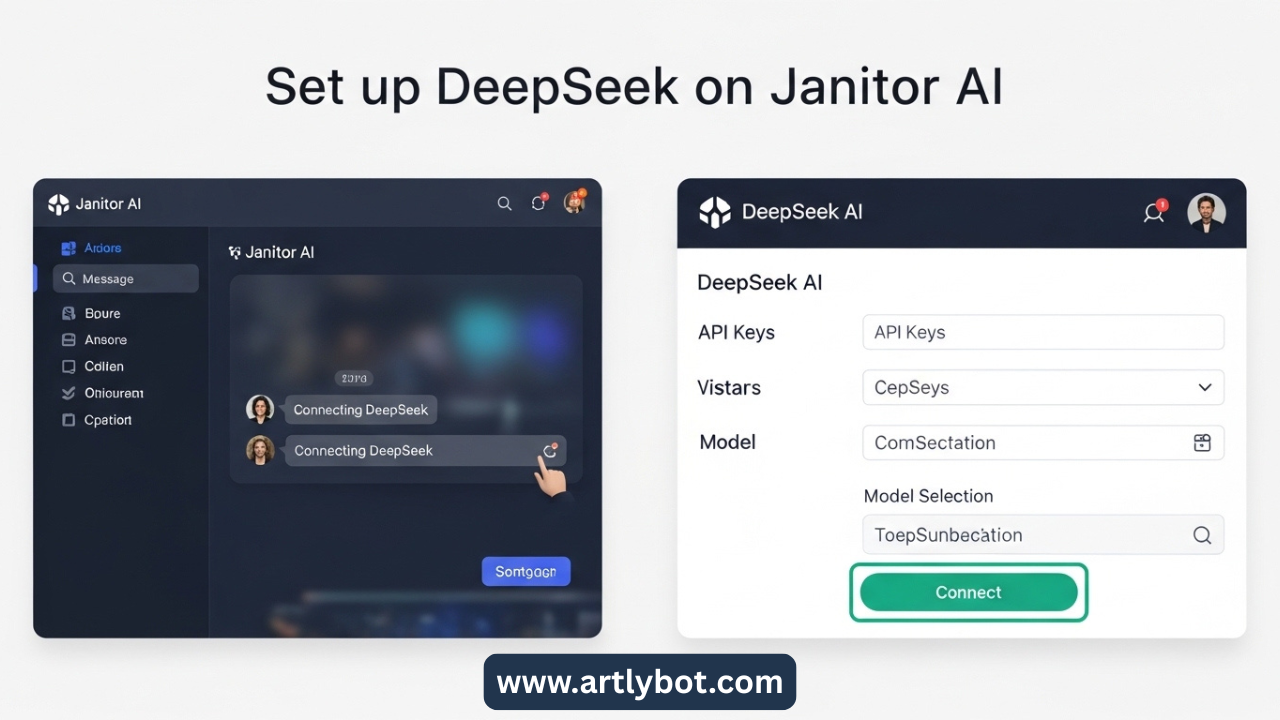
This guide walks you through connecting a custom large language model to your AI chat platform so your characters feel smarter, more expressive, and highly customizable. It works with OpenRouter or direct proxy services so you can enjoy richer responses right inside Janitor AI’s interface.
🧠 What You Need Before You Start
To power Janitor AI with a high-quality external model, you’ll need:
-
Accounts at an API provider that supports advanced chat models.
-
API keys from that provider.
-
Janitor AI account with access to the API/Proxy settings.
🚀 Step-By-Step Setup Guide
1. Create an OpenRouter or Similar API Account
Sign up at OpenRouter (or a service like MegaNova that hosts language models) and generate an API key. This key lets Janitor AI talk to external models through a proxy.
-
Create and save your API key securely.
-
Some services restrict free usage — consider adding billing to unlock more daily requests.
2. Pick the Model You Want
On the API site’s integrations or models list, locate an available conversational model and note its identifier, such as deepseek/deepseek-chat-v3-0324 or similar.
3. Configure Janitor AI
In Janitor AI:
-
Open a character chat.
-
Enter API Settings via the menu.
-
Choose Proxy mode.
-
For Model Name, paste the provider’s model name (e.g., the one you picked above).
-
In the Proxy URL, use the platform’s proxy endpoint (for OpenRouter:
https://openrouter.ai/api/v1/chat/completions). -
Paste your API key in the API Key field.
⛔ Tip: Don’t append extra paths like /chat/completions unless instructed by the provider — many systems include it by default.
4. Save, Refresh, and Test
Save your config, reload the Janitor AI page, and send a test message to your character. If everything’s correct, the model will now generate replies through your chosen external brain.
⚙️ Helpful Tweaks
-
Temperature: 0.3–0.5 for controlled responses, 0.8–1.0 for expressive chats.
-
Max Tokens: Set high enough for longer replies.
-
Error Fixes:
-
Proxy errors usually mean a bad URL or model name.
-
Invalid key suggests you copied the wrong API key.
-
Rate limits can be resolved with a paid plan or off-peak usage.
-
🔥 Advantages of Connecting an External Model
-
Richer character interactions: More natural dialogue and deeper memory recall compared to default options.
-
Custom behavior control: You can tune creativity and style.
-
Access to free and paid powerful LLMs: Expand capabilities based on budget and needs.
⚠️ A Quick Safety Note
Some third-party models are hosted by companies based in countries with different data policies. Always review privacy terms before sending sensitive information to any external API.