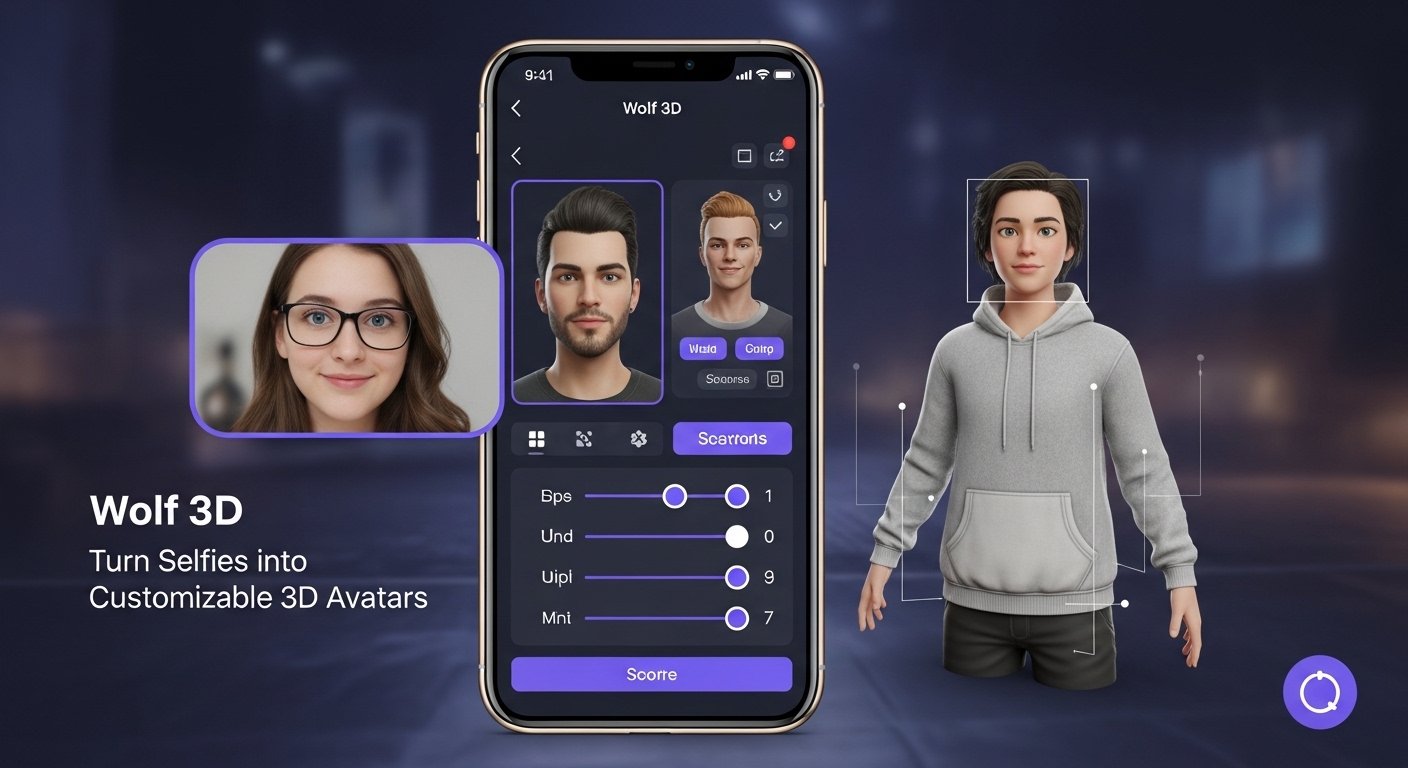
Wolf 3D software is an AI-powered 3D avatar creation platform that turns selfies into customizable 3D characters for games, VR apps, and the metaverse. In short, it’s a wolf 3d software system used to generate cross-platform 3D avatars, letting you create and export your personal digital look for apps and environments.
Wolf 3D software (also known historically as Wolf3D before rebranding to Ready Player Me and being acquired by Netflix in 2025) was founded in Tallinn, Estonia, and focused on software that builds realistic personal avatars from photos for games and virtual experiences.
Here’s what makes wolf 3d software useful and how to use it:
What Is Wolf 3D Software?
-
Avatar Creator Platform: Wolf 3D software lets you upload a selfie or photo and automatically generates a full-body 3D avatar with customizable features (hair, clothing, accessories).
-
Cross-Platform Support: Avatars created with this software can be used in many games, apps, and virtual spaces that support its SDK/API.
-
Developer & User Use: Developers integrate Wolf 3D software tools into apps for real-time avatar creation, while users can generate and download avatars for personal use.
Key Features
-
AI-Driven Generation: Uses machine learning to turn a simple photo into a fully rigged 3D model.
-
Customization Tools: After generating, you can adjust features like outfits, hairstyles, and accessories.
-
Integration SDK: Developers can embed Wolf 3D software’s avatar tech into games or VR apps.
How to Use Wolf 3D Software (Step-by-Step)
1. Visit the Avatar Platform
Go to the Wolf 3D software avatar site (now under Ready Player Me).
2. Upload Your Photo
Select a clear selfie or portrait image to start avatar creation.
3. Customize Your Avatar
Choose body proportions, clothing, facial features, and style options.
4. Export & Use
Export your avatar into supported apps, games, or VR/AR environments — often via plugin or direct import.
Use Cases
✔ Gaming: Use your personalized avatar as your main game character.
✔ Virtual Reality: Represent yourself realistically in VR social spaces.
✔ Apps & Social Platforms: Add a 3D version of yourself to communication apps or virtual events.