Samsung Galaxy J7 users often search for software update Samsung J7 hoping for newer Android versions and interface upgrades. Let’s break down what’s actually available, how to check for updates, and what you can expect given Samsung’s current software rollout trends.
What’s the Latest with software update Samsung J7
Unfortunately, the Samsung Galaxy J7 series (including the 2017 models) no longer receives major Android version upgrades or new UI versions like One UI 7 or One UI 8. The last official updates for J7 devices were security patches and stability improvements issued up to around 2021. After that, Samsung ended active update support for the J7 series due to hardware limitations and shift in update policies.
This means:
-
There is no official One UI 8 or Android 16 update for the Galaxy J7.
-
The highest official Android version for most J7 devices was Android 9 Pie with One UI 1.1.
-
Samsung has since pivoted its One UI 8 software update efforts to newer Galaxy models (e.g. S25, Z Fold, A‑series) as part of its Android 16 rollout.
So if you’re searching for the latest software update Samsung J7, know that official support has ended — and you won’t see One UI 8 on a J7 through Samsung’s standard updates.
How to Check for the Official Software Update Samsung J7
Even though new major versions aren’t released, you can still check your current update status:
-
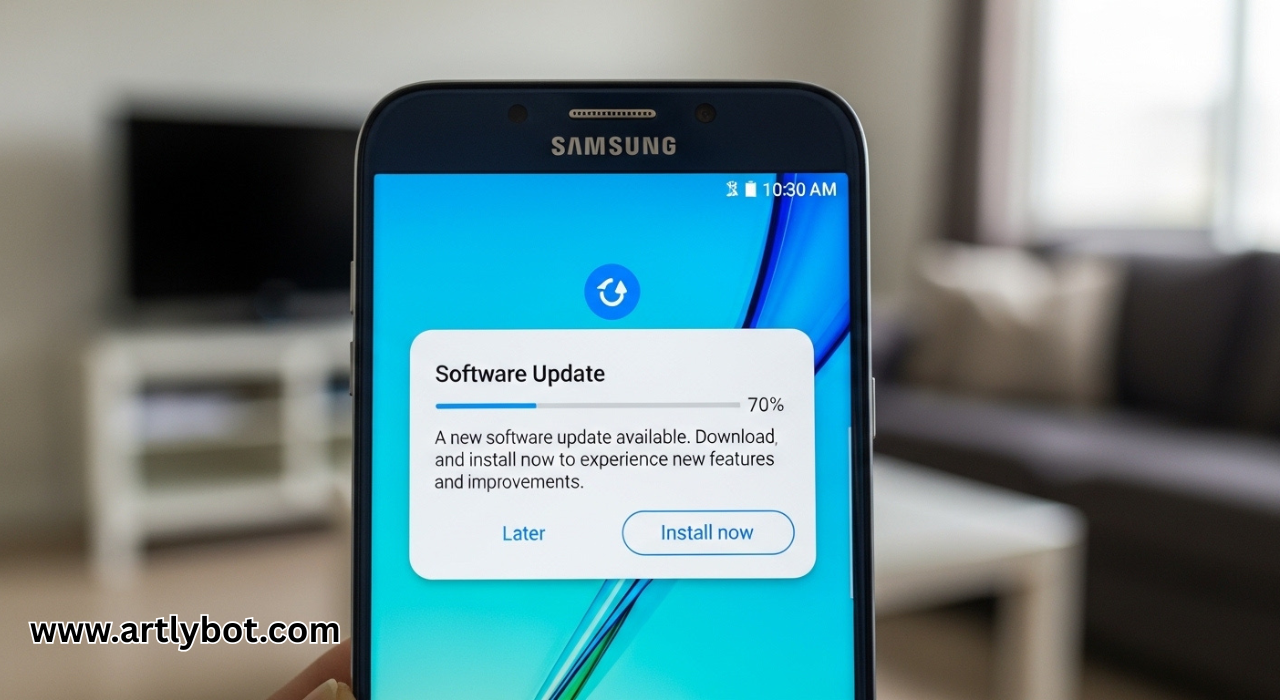
Open Settings on your Galaxy J7.
-
Tap Software update.
-
Choose Download and install.
-
Wait while your phone checks if any official updates are available.
This method ensures your phone has all available patches. Samsung’s own support pages recommend this for security and OTA updates.
If You “Want” One UI‑Style Upgrades
While One UI 8 itself is not available for the Samsung J7, here are some workarounds people sometimes explore:
Custom ROMs / Unofficial Firmware
Advanced users sometimes install custom Android ROMs via tools like Odin or community releases on forums like XDA Developers. However, these unofficial “software update Samsung J7” solutions:
-
Void warranty
-
May introduce security risks
-
Can be unstable if not tailored to your exact model
Be cautious — unofficial updates aren’t supported by Samsung and can brick your device if done incorrectly.
What One UI 8 Offers (On Supported Samsung Phones)
For context — and to help you understand what newer Samsung updates bring — the current One UI 8 (based on Android 16) rollout highlights include:
Refined UI design with smoother animations
AI‑enhanced features (e.g., Gemini Live)
Improved multitasking and smart widgets
Enhanced security & privacy controls
Although these aren’t available on the Galaxy J7, they show what major Samsung software upgrades deliver on newer devices.
Quick Recap
-
Latest official software update Samsung J7: Android 9 Pie with One UI 1.1 was the last major update.
-
Security updates may continue sporadically but major OS/One UI upgrades stopped.
-
To check for your current version: Settings → Software update → Download and install.
-
One UI 8 is not available for J7, but is rolling out on new Samsung models.